Write platform documentation
Use this guide to add or update OpenClaw Enterprise documentation. Start with the reader's task and verify commands, permissions, defaults, and limits against the current source before describing them as supported.
For private deployment, the custom domain, and the separate public-launch step, see Documentation hosting.
Choose one home
The menu bar selects a sidebar. Put each page in one section and link to it from other pages that need it:
| Menu | What belongs here |
|---|---|
| Getting Started | Orientation, concepts, local setup, and the first Agent. |
| Topics | Product behavior, configuration, and feature troubleshooting. |
| Integrations | Named Drivers, Backends, and channels; setup and support limits. |
| Operate | Production installation, monitoring, and ongoing administration. |
| Reference | CLI and HTTP API commands, inputs, outputs, and errors. |
| Contribute | Architecture, internals, local development, tests, and writing docs. |
The menu is independent of the file path. See Repository layout
for source ownership; published links and heading anchors should survive a
navigation change. Update docs/docs.json and the owning
overview when adding a page. Deep implementation and testing pages can be
registered as hidden in navigation when a contributor index already links them;
they keep their URLs and remain searchable.
Write and name the page
Use a short sidebar label: Overview, Configure, and Troubleshoot work when
their group supplies the subject. Give the article a descriptive sentence-case
title, such as Troubleshoot Agents, so it makes sense from search or a direct
link. In docs.json, use a page's label when it differs from the article title.
Put the first useful action near the top. Use direct language, show expected results, and put permissions or failure limits beside the affected step. Keep one owner for a contract or procedure and link to it instead of copying it. The technical-writing skill has page patterns and a required plain-language pass. Use the base Driver template for a Driver contract; implementation-specific setup belongs in Integrations.
The published site omits document Changelog sections and empty Manual Notes.
Keep those records in the Markdown source; real notes still appear on the site.
If a page contains only an internal record, set published: false in its YAML
frontmatter and leave it out of docs.json. It will have no site URL or search
result, so use a GitHub source link if the archive needs to be cited.
The documentation map links the six sections. A previous
documentation inventory records gaps and
placement decisions from the navigation audit; use the live map and docs.json
for current navigation.
Preview and check
From the repository root, with the docs renderer dependencies installed:
npm run docs:buildnpm run docs:check-lengthgit diff --checkThe build checks local page links and headings, then builds the search index.
Open changed pages in the local preview to inspect nested
navigation, diagrams, or other presentation changes. Run pnpm format:check
when the existing root dependencies match the lockfile. Do not add or run tests
for documentation changes, including docs-site presentation.
The HTTP API reference and API cheat sheet
are generated. Edit the owning routes, schemas, or generator; then run
pnpm openapi:generate and pnpm openapi:check. Do not edit either page by hand.
Brand artwork
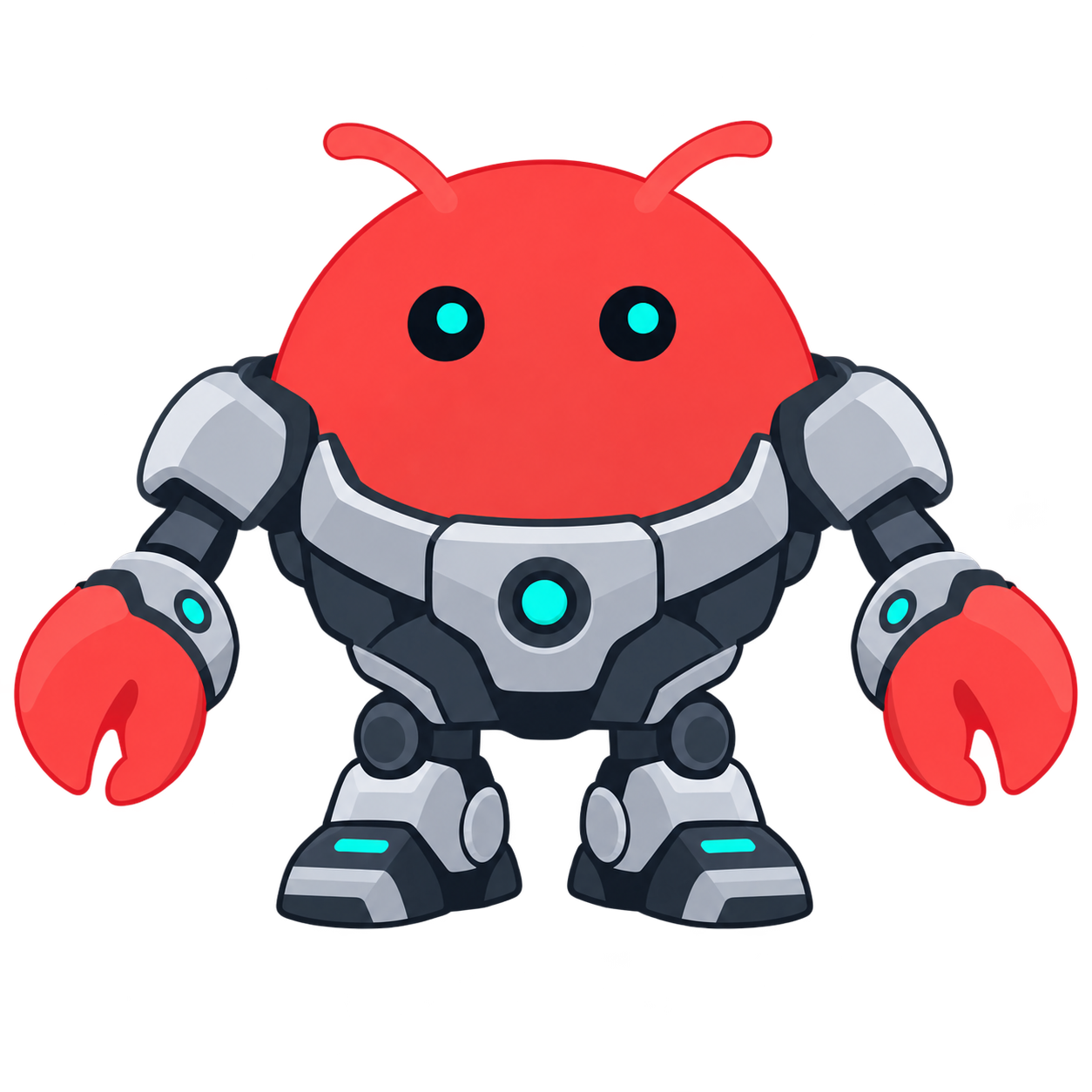
The approved OCE mascot source is lobster-mech-transparent.png
(SHA256 207a83faca81a49521b31e73800af235bd912470ce8f9c09bc37d8075c22330c).
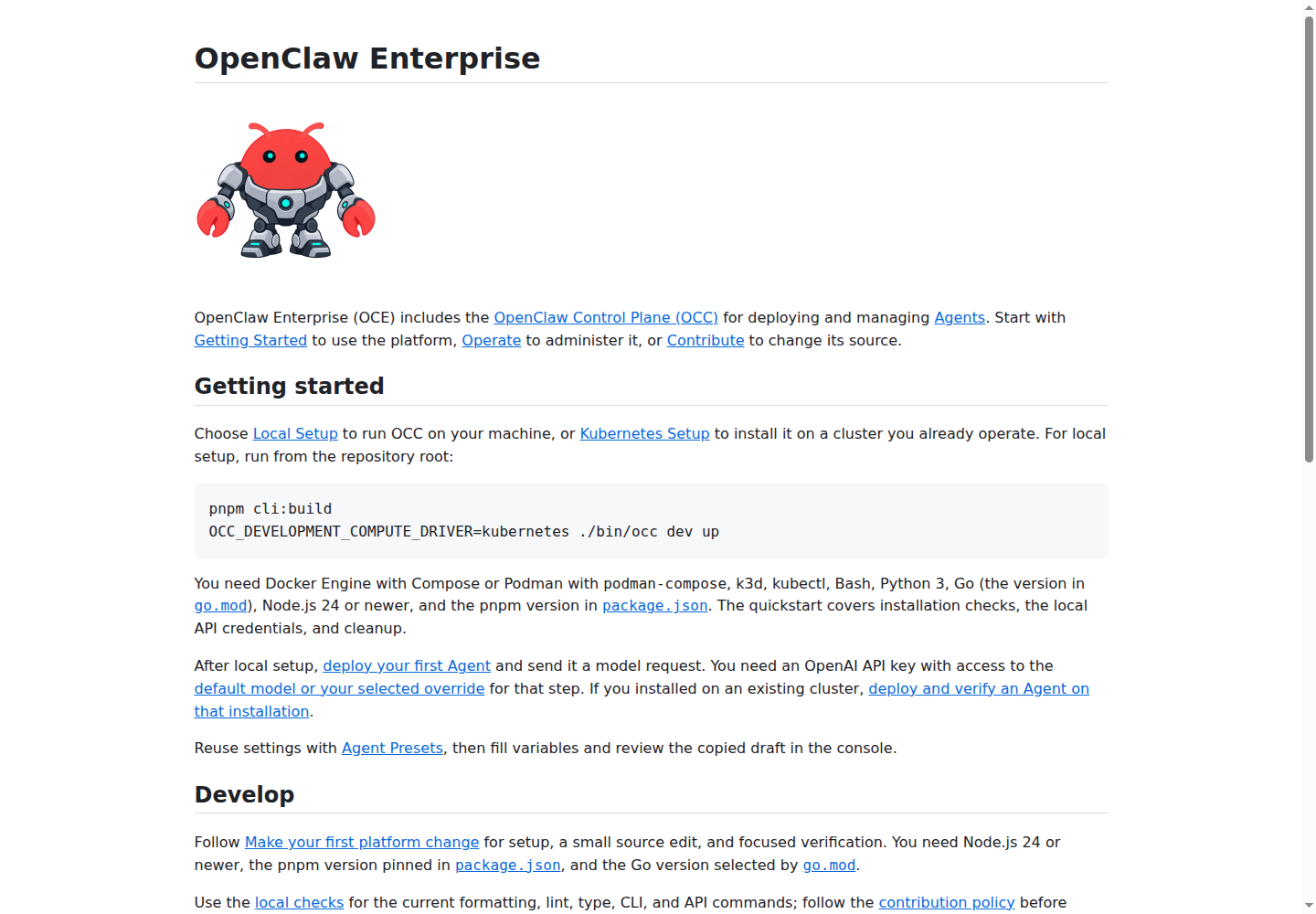
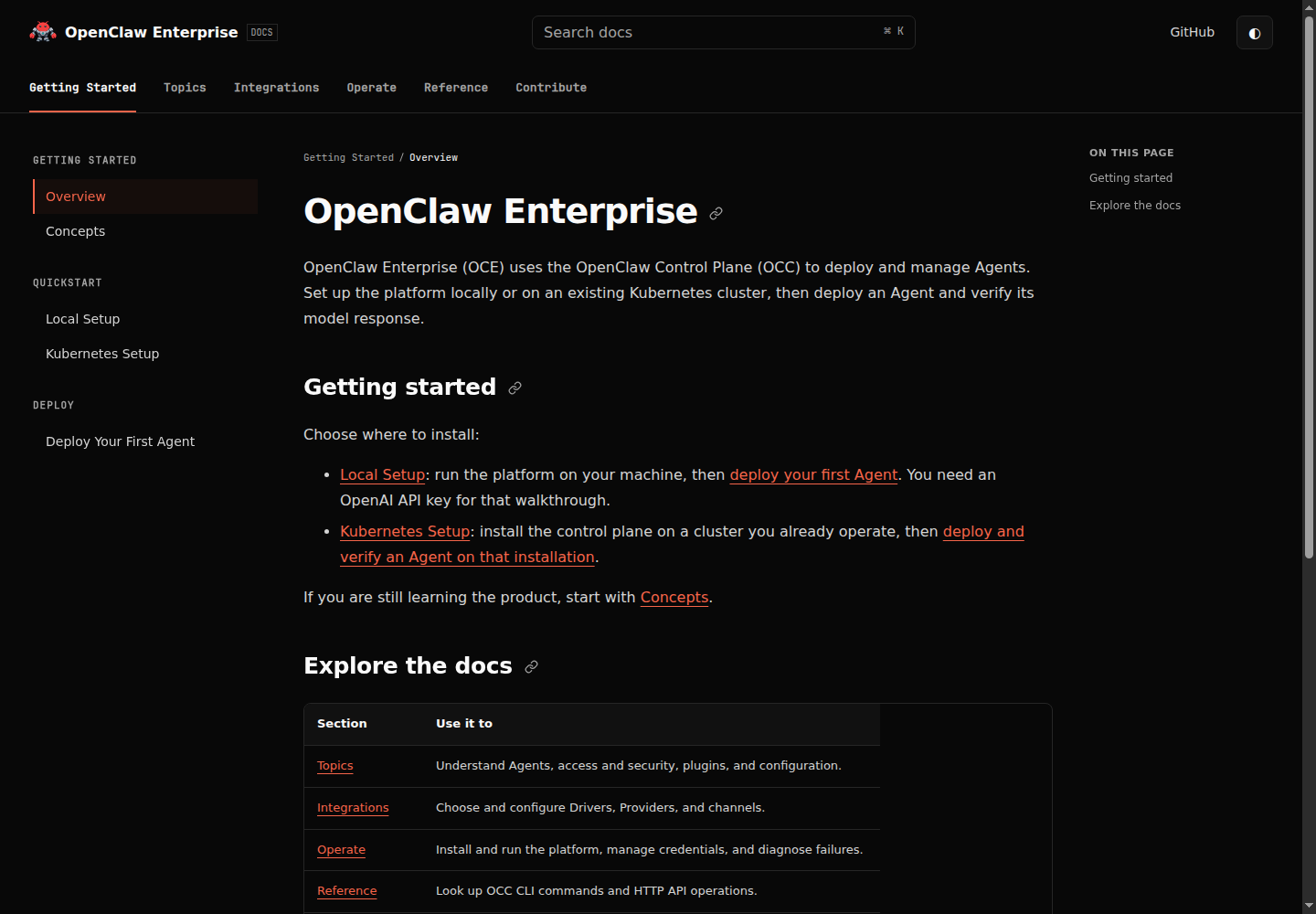
Preserve this original PNG and its transparency. The README and docs header use
docs/assets/oce-mascot.png at 400 × 400; the console uses its own
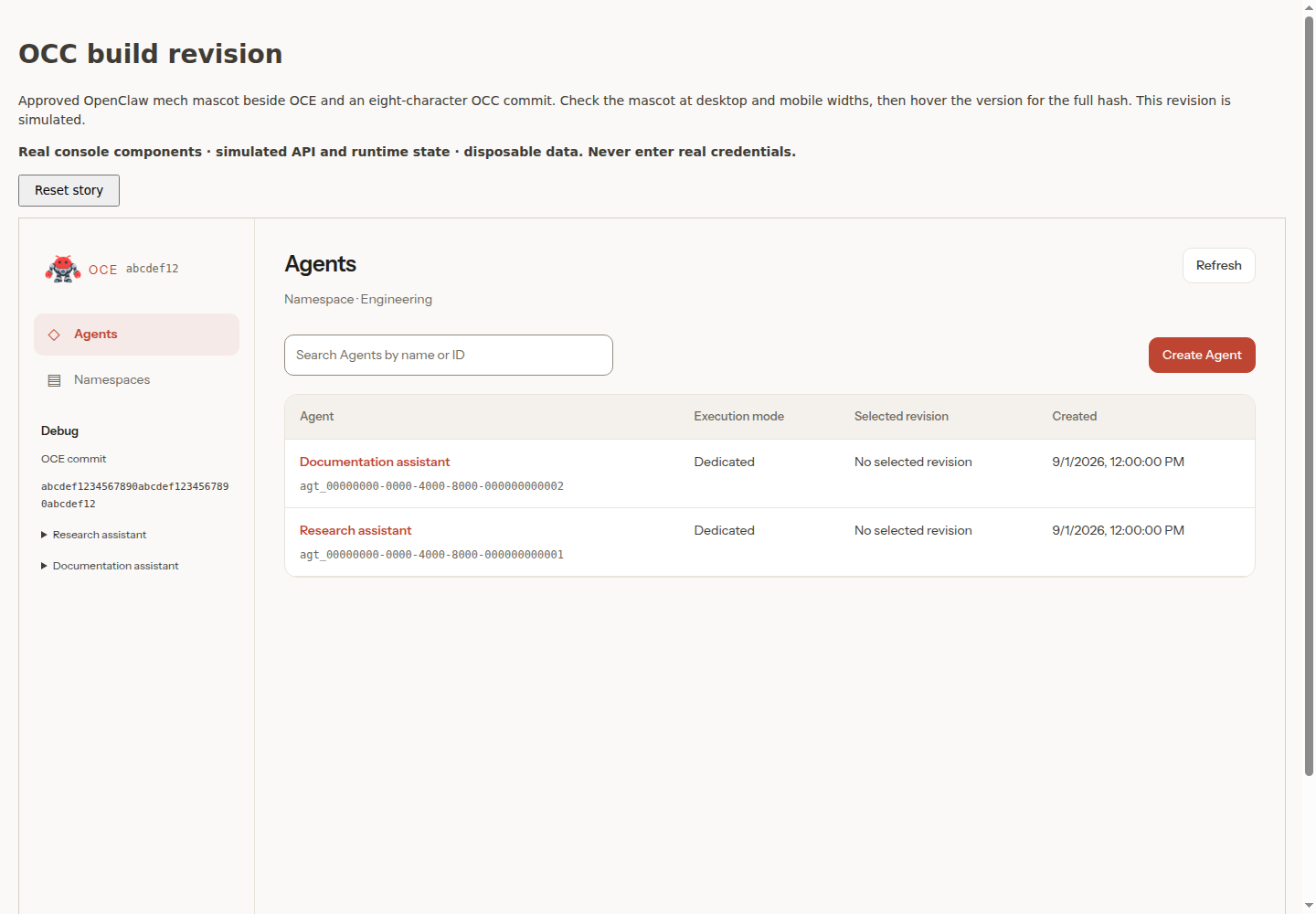
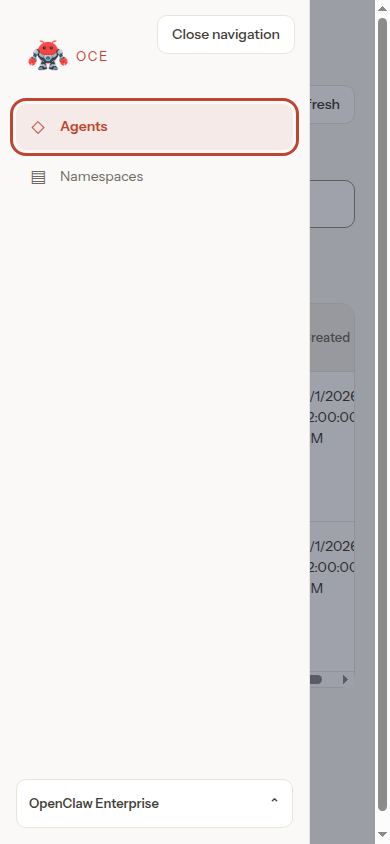
apps/controller/src/console/oce-mascot.png at 96 × 96.
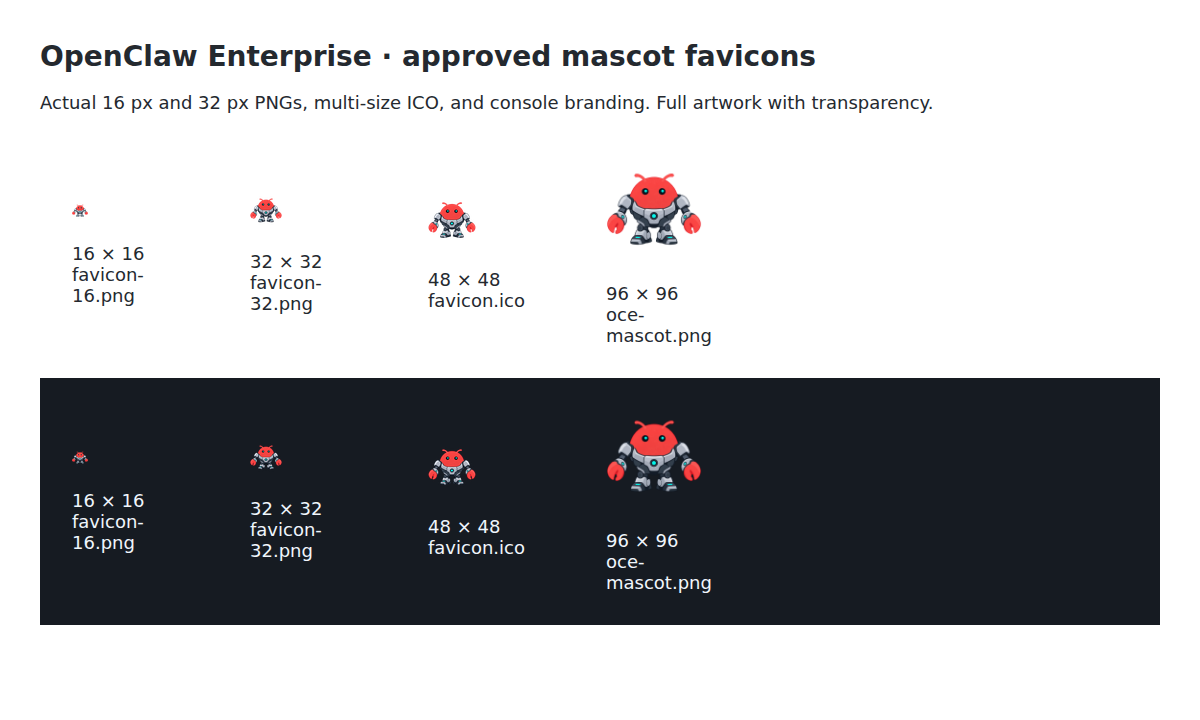
Both asset directories contain transparent 16- and 32-pixel PNG favicons, a
16/32/48-pixel ICO, and a 180-pixel touch icon derived from that source. Resize
the full square canvas with Pillow's Image.Resampling.LANCZOS; do not redraw
or replace the character. When updating these assets, check the README's relative
image path, both sites' icon links, and the console asset allowlist. Inspect
16- and 32-pixel icons on light and dark backgrounds and the Storybook
Components / Navigation / OCC build revision, Mobile drawer, and
Pages / Sign in previews. Storybook supplies simulated API state.
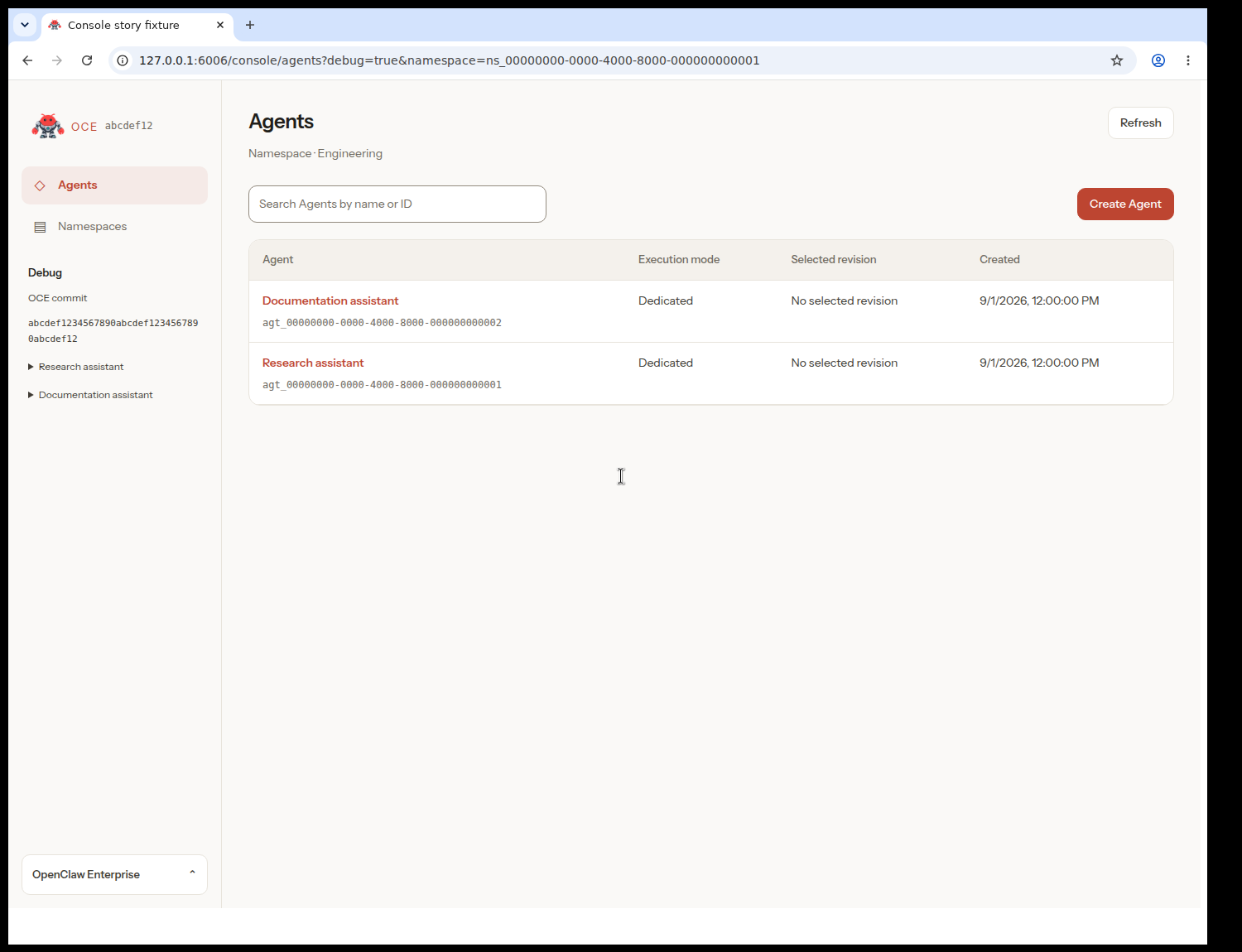
Visual references: README, docs header, Storybook shell, mobile navigation, sign-in, browser tab, favicon sizes, and walkthrough. These captures show local documentation and simulated console presentation, not live backend proof.